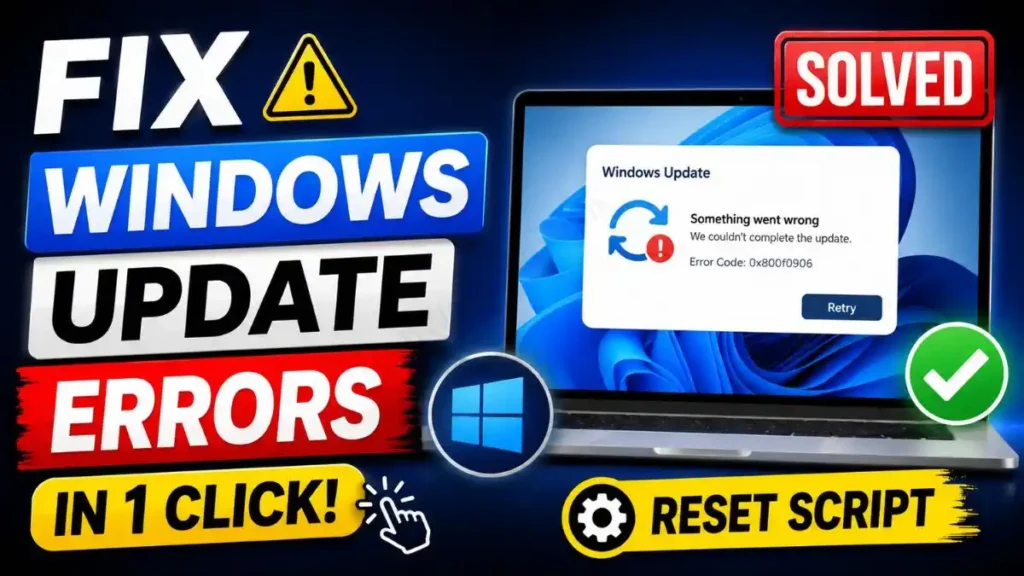
Hello friends! How are you all? Welcome to another amazing technical guide. If you’re a Windows user, then you’ve surely faced the problem of Windows updates failing, getting stuck, or getting stuck at 99% during download. Who hasn’t gotten frustrated seeing “Getting Windows ready” on the screen for hours? That’s why today I’ve brought you a permanent and smart solution. Today we’re going to download an excellent Windows update reset script that will fix windows update errors in no time.
Also Check: Enable God Mode Windows 11 & 10 in One Click Folder Script
Why Should You Use This Script?
Often, due to internet fluctuations or errors in the background, update files get corrupted. In such cases, manually going to the system drive to find and fix those folders is not something the average user can do, and it wastes a lot of time. If you’re tired of all this and are looking for a 100% working fix for a Windows 11 update stuck BAT file, then this script is for you. Because with just a single double-click, it identifies and fixes all the problems in the background on its own.
Also Check: Disable Telemetry Windows 11 Script (Fast & Safe Fix)
Is It Safe for Your PC?
I know, whenever it comes to system tools or commands, you’re worried about your PC getting damaged. But friends, your brother TechWaleJha always brings you only what is 100% tried and tested! This script is completely safe. It won’t touch your personal files, photos, or data. In fact, it works as a clear software distribution folder script that safely renames old and corrupt update files with an .old extension instead of deleting them. So there’s absolutely no need to worry.
Why is it important to reset the update?
Windows Update is the most important part of your system’s security. If your PC is not updated properly, you will not get new features and the latest security patches, which will cause the system to slow down and greatly increase the risk of viruses. This script is so important because it not only refreshes the update folders but also clears your system’s stuck BITS (Background Intelligent Transfer Service) queue and flushes network DNS issues.
Also Check: Best Windows 11 Debloater Script for Max Speed (2026)
How to Use It? (Step-by-Step)
Running it on your PC is a piece of cake. Just follow these simple steps:
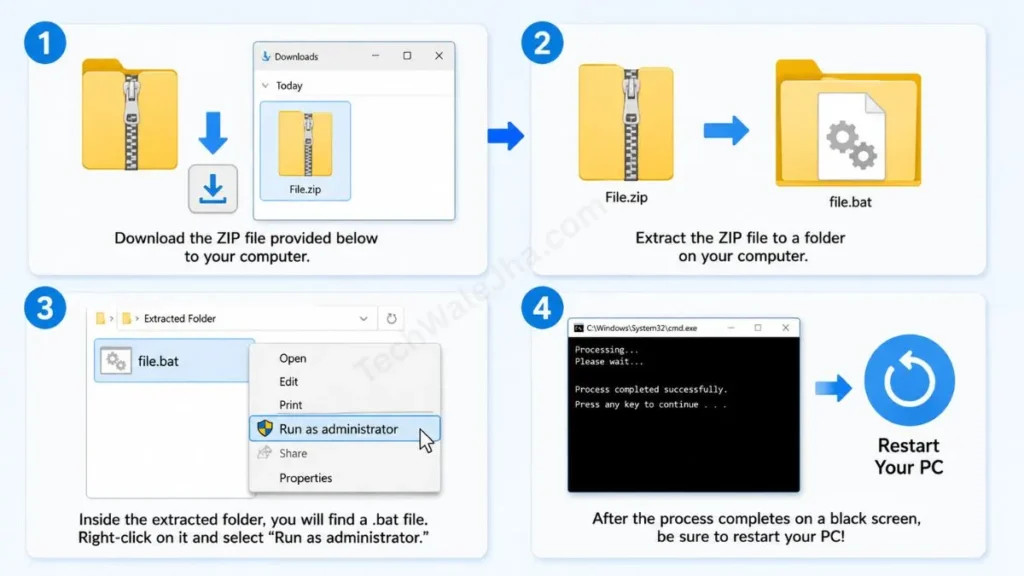
- Download the ZIP file provided below and extract it to a folder on your computer.
- Inside the extracted folder, you will find a .bat file.
- Right-click on it and select “Run as administrator.”
- After the process completes on a black screen, be sure to restart your PC!
Disclaimer: Friends, I have personally tested all the Batch (.bat) scripts provided in this article, and they are completely safe. However, since everyone's PC configuration is different, please use them at your own risk. Before running any system-level script, be sure to back up your important data. TechWaleJha, its author, or this website will not be held responsible for any unexpected data loss, system errors, or PC crashes. Please run the script exactly as per the steps provided and avoid making any unintended changes to the code.