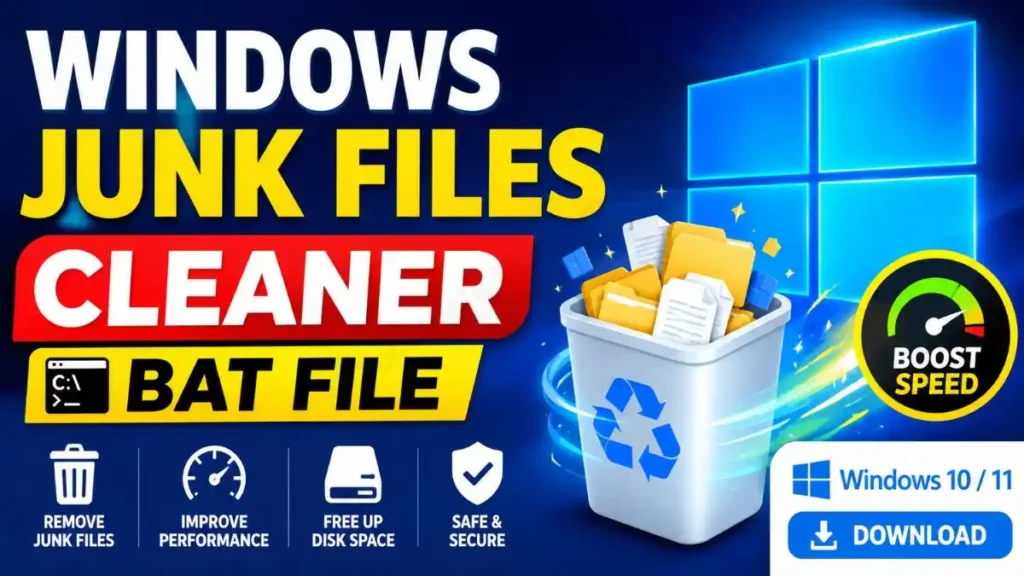
If you want to quickly clean unnecessary temporary files, junk files, and cache from your Windows 10 or Windows 11 PC, you can download the Windows Junk Files Cleaner BAT file provided below. This simple BAT script helps perform cleanup tasks like common temporary folders, Windows Update download cache, thumbnail cache, error-reporting files, and the Recycle Bin in a single process. You won’t need to manually open each folder and delete the files.
After downloading, extract or save the BAT file, right-click on it, and then select “Run as administrator.” Before running the script, be sure to save your important files and check the Recycle Bin. Some files will not be deleted if they are currently in use by Windows or an application, which is normal.
⬇️ Download Windows Junk Files Cleaner BAT
⬇️ Download Windows Junk Files Cleaner BAT